01
Record room measurements
Enter the length X, width Y and height Z measured on site. The room volume and different views appear immediately.
Enter measurements taken on site, position supports in the room and prepare a report from your iPhone or iPad — even offline.
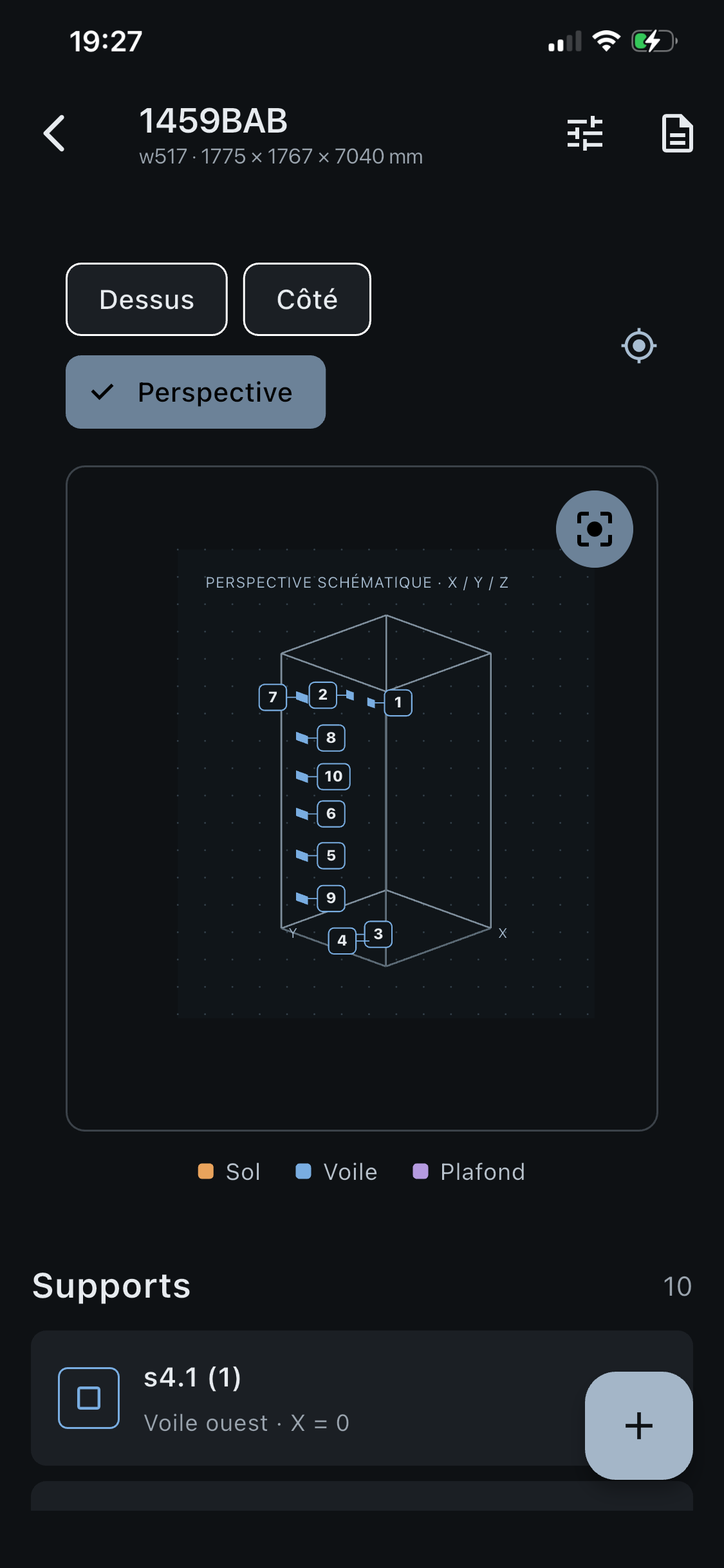
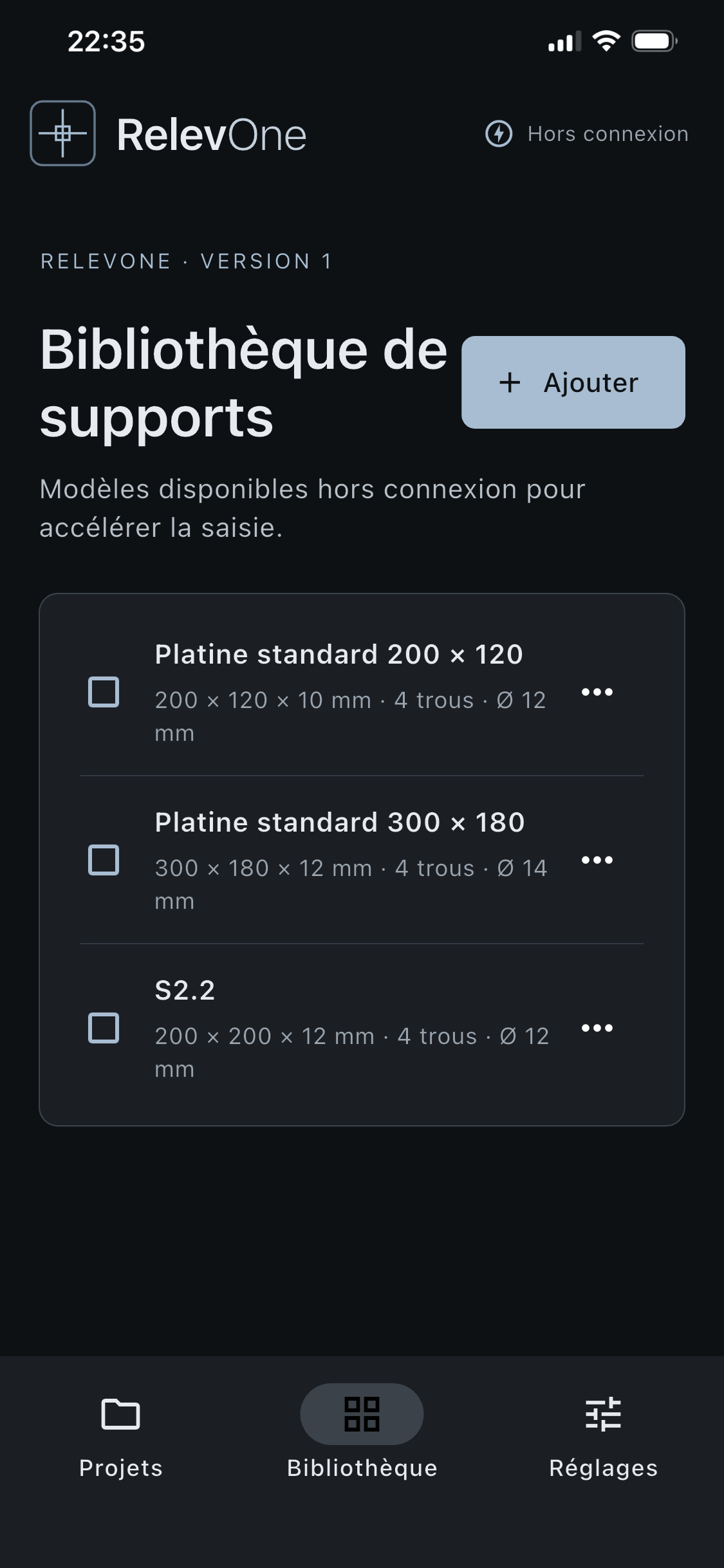
RelevOne brings room dimensions and support placement details together in an interface designed for field surveys.
Enter the length X, width Y and height Z measured on site. The room volume and different views appear immediately.
Position each support on the floor, wall or ceiling with its coordinates and technical details.
Bring dimensions, positions, plates and notes together in a structured report ready to share.
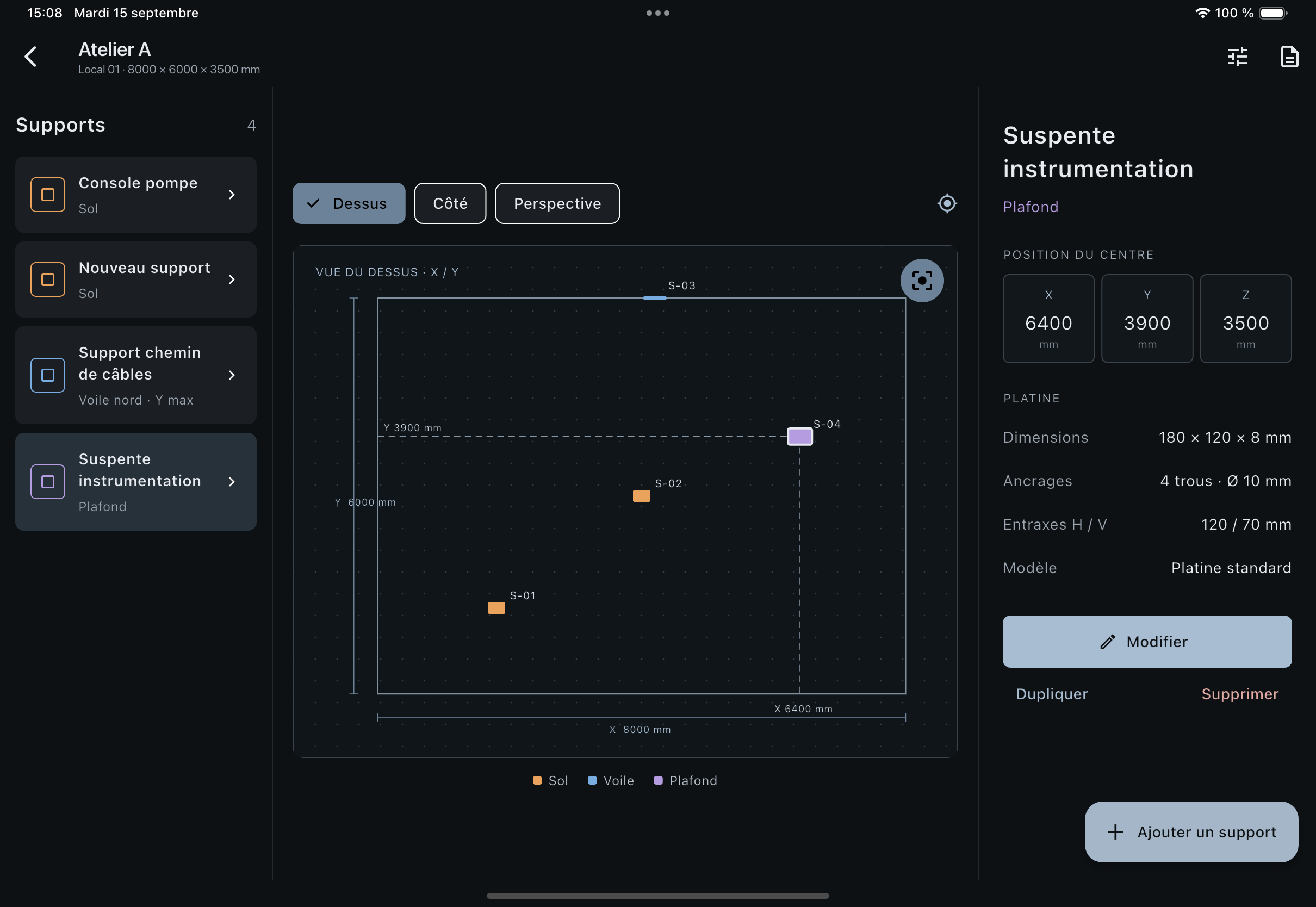
View the room, select a support and check its X, Y and Z coordinates in one screen. This screenshot shows four supports and the details of an instrumentation hanger.
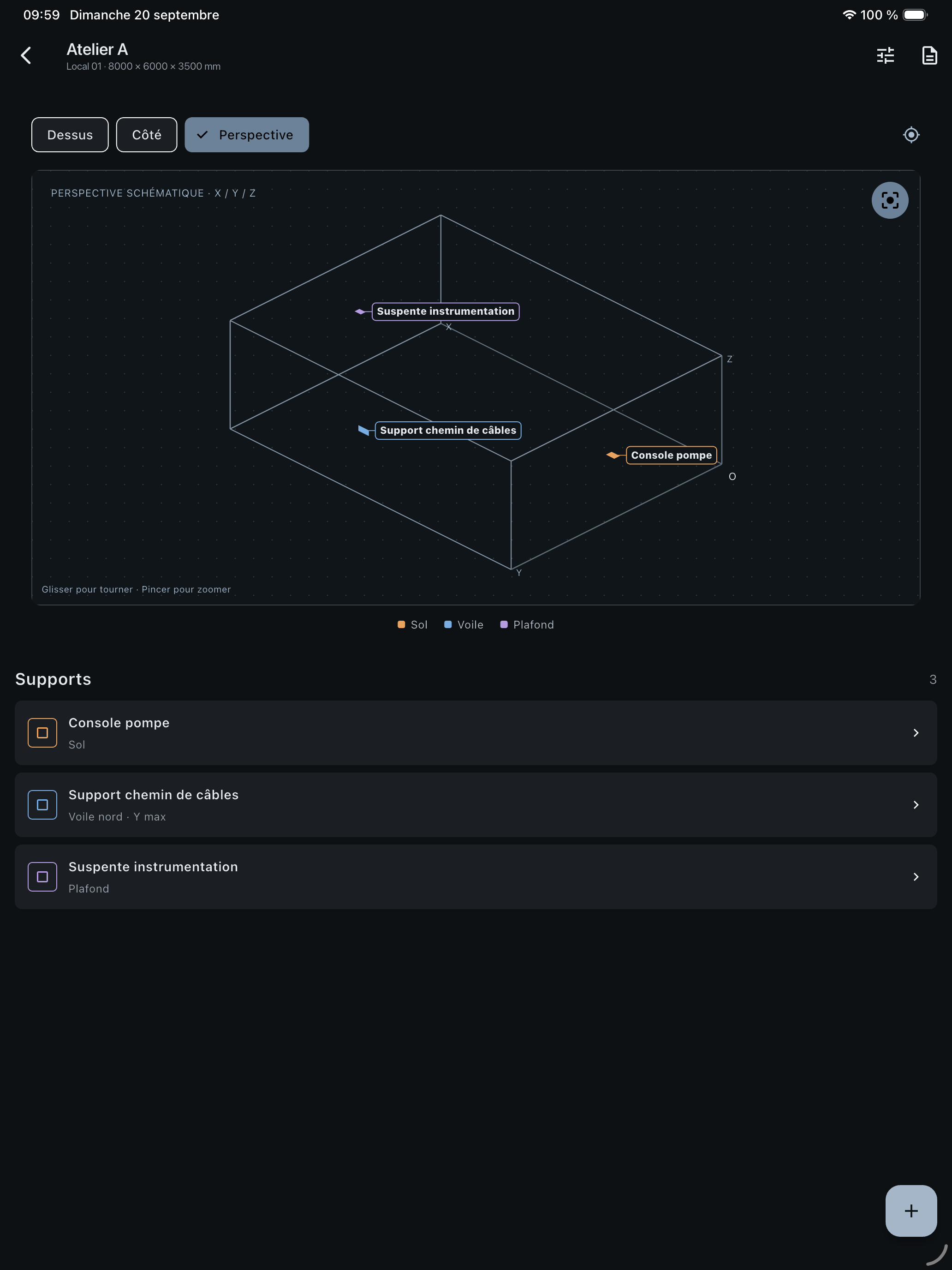
Switch between top, side and perspective views to quickly check placement in the room.
Browse standard plates with their dimensions, holes and technical drawings. Choose an existing model or add your own for future surveys.
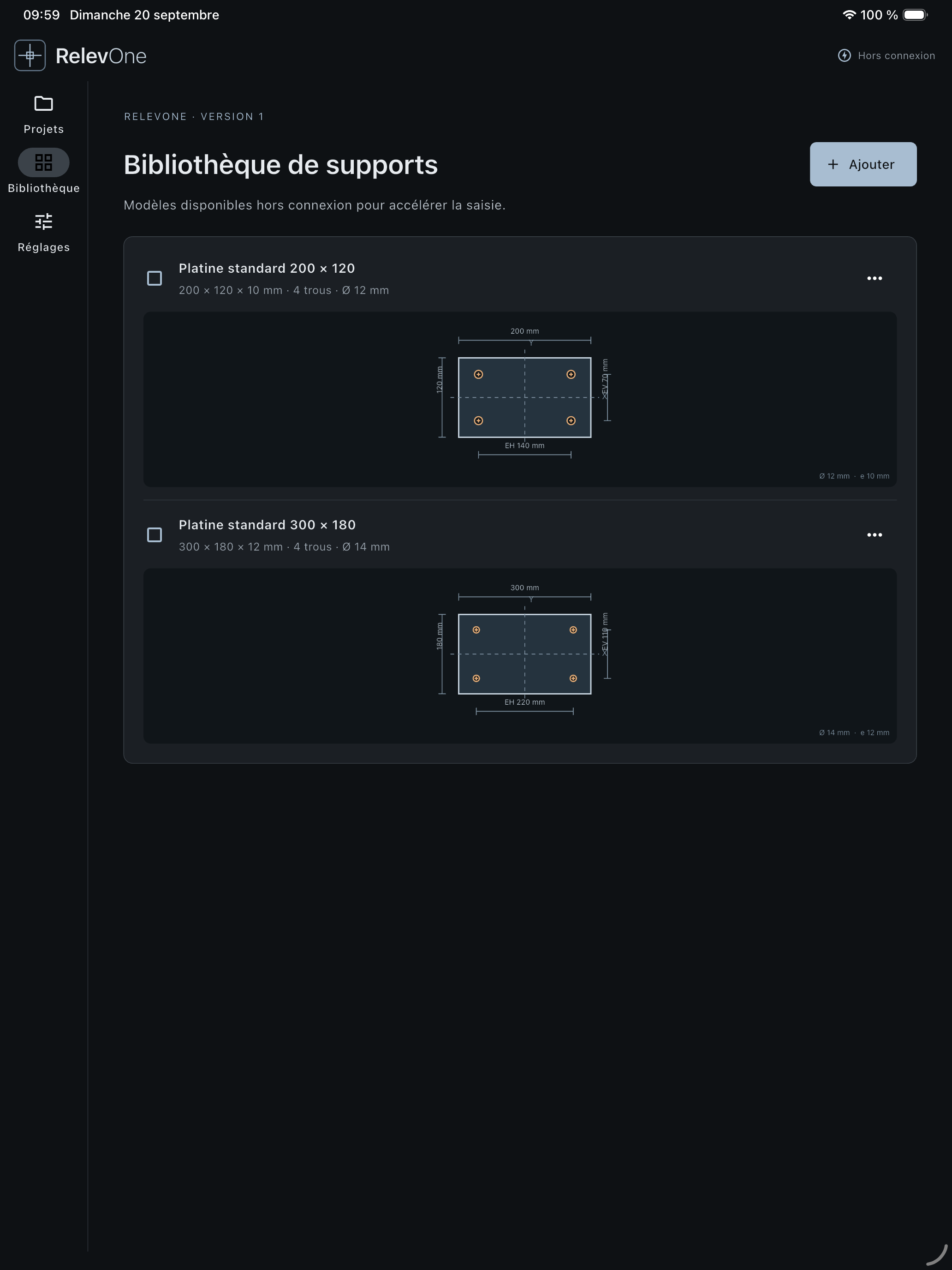
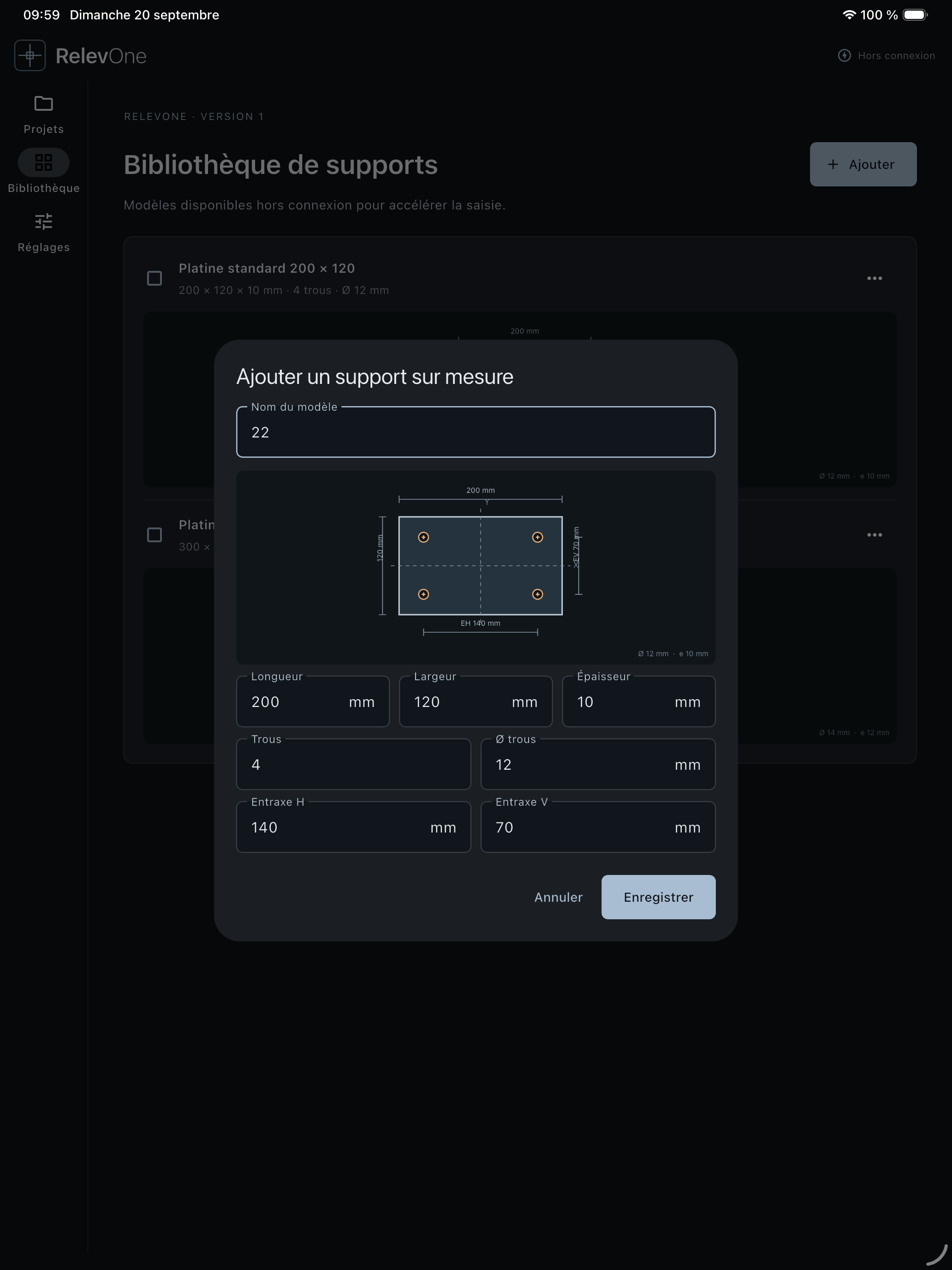
Enter the length, width, thickness, holes and their spacing. The dimensioned drawing helps you check the model before saving it.
Select a step to see a typical workflow in the app.
Create the room using its X, Y and Z dimensions.
Enter and review surveys in areas without a connection. Project data remains available on your device.
Save your plates and support models to speed up future surveys and keep data entry consistent.
A simple app that turns field surveys into clear, usable information.
App Store availability